THE ONLY LOW-CODE PLATFORM THAT REMEMBERS EVERYTHING

Build AI-native enterprise apps without reprocessing penalties.
Empower developers to deliver what traditionally required entire teams.

Whether building on our platform or engineering custom solutions, we design AI systems with governance built in — not bolted on later.

80-95%

Reduction in reprocessing costs

2-3 Weeks

From concept to production

Trusted by enterprises in manufacturing, real estate, healthcare, and professional services

THE DEVELOPMENT BOTTLENECK

Are you trapped in the POC-to-Production death valley?

Every CTO and IT leader faces these challenges—most accept them as inevitable

The Frankenstack nightmare

Six Brittle Connections. One Intelligent Orchestration Layer.


Read More

Traditional Frankenstack requires managing at least six different APIs, data formats, authentication methods, and error handling approaches. When one system changes its API or goes down, it can break the entire chain. Uranion doesn't replace these systems immediately, it provides a unified layer that handles the integration complexity.

Read Less

The POC-to-Production gap

Your Demo Works. Your Production System Doesn't Exist.

Read More

You built a proof-of-concept with Bolt.new or Bubble, the demo went great. But when you try to add user authentication, enterprise data volumes, role-based permissions, and integrate with your existing PostgreSQL database.the entire architecture falls apart. Weeks of work become a throwaway.

Read Less

The AI talent crisis

You Can't Afford the Talent. You Can't Lose the Talent You Have.

Read More

AI specialists command $150K-$200K salaries, when you can even find them. Recruiting takes 6-9 months. When you finally hire someone, they become a single point of failure. If they leave, your entire AI strategy walks out the door with them. Your company can't justify $800K annually for a five-person development team just to stay competitive.

Read Less

Sound familiar? You're not alone

We've built solutions for this—in two ways, depending on what you need:

PLATFORM
For teams who want to build and own their AI workflows.

Use our low-code builder with visual nodes, state preservation, and automatic documentation. Deploy in weeks without DevOps overhead.

See How It Works

CUSTOM ENGINEERING
For organizations that need fully engineered solutions.

We design and build production AI systems from the ground up: legacy extraction, visual search, compliance automation, cloud infrastructure.

Schedule a Consultation

SOLVES: Frankenstack Complexity

Change one thing without breaking everything

The Problem: Traditional platforms don't remember your data's journey. Update one step? They reprocess the entire workflow from scratch — touching all 500,000 records even though 90% haven't changed. This reprocessing penalty kills iteration speed.​

How Uranion Solves It: Uranion preserves your data state at every step through incremental processing. Change Node 3 (Merge Profiles) in Workflow A? Only Node 3 and Node 4 recalculate. Nodes 1-2 stay frozen — their outputs haven't changed, so why reprocess them? This approach reduces compute costs and execution time significantly by only processing data that are newly added or updated.

The bonus: You can see any previous state of your data through lineage tracking. Need to debug what happened before your change? Just look back at Node 2's output from yesterday.​

Real numbers: Traditional: 12+ hours. Uranion: 15 minutes. 95% cost reduction.​

Cross-workflow win: Change Node 3 once, it updates across Customer Analytics, Financial, and Marketing simultaneously — no duplication, no sync issues.​

Workflow A: Customer Analytics ( Uses All Main Nodes )

Starts Here

01
Customer Data

In this workflow: Ingest customer data records into the platform.

Customer Data
  • Reused in: Workflow B (product/stock data), Workflow C (transaction logs)
  • Owner: Emma R. | Modified: Oct 2024
Validate Emails

In this workflow: Validate customer email formats and required fields.

Validate Emails
  • Reused in: Workflow B (SKU codes), Workflow C (transaction amounts), Workflow D (contact data)
  • Owner: David M. | Modified: Sept 2024
02
03
Merge Profiles

In this workflow: Merge duplicate customer profiles into a single unified record.

Merge Profiles
  • Reused in: Workflow C (match chart of accounts), Workflow D (merge contact records)
  • Owner: James L. | Modified: Oct 2024
Calculate LTV

In this workflow: Calculate customer lifetime value and related KPIs.

Calculate LTV
  • Reused in: Workflow B (reorder thresholds), Workflow C (profit margins), Workflow D (lead scores)
  • Owners: Emma R. & James L. | Modified: Oct 12, 2024
04
05
Export Dashboard

In this workflow: Export analytics to dashboards and reporting tools.

Export Dashboard
  • Reused in: None
  • Owner: Priya S. | Modified: Nov 2024

Workflow B: Inventory Management ( Uses 4 Main Nodes + 2 Additional )

Starts Here

01
Product Data

In this workflow: Ingest product catalog and current stock data.

Product Data
  • Also used in other workflows: see Node 1 for A and C above.
  • Metadata: Owner: Emma R. - Last modified: Oct 2024
Validate SKUs

In this workflow: Validate SKU codes and required product attributes.

Validate SKUs
  • Also used in other workflows: see Node 2 of workflow A, C, D above.
  • Metadata that would be in the node e.g. Owner: David M. - Last modified: Sept 2024
02
Reorder Logic

In this workflow: Apply reorder thresholds and stock rules.

Reorder Logic
  • Also used in other workflows: see Node 4 of workflow A, C, D above.
  • Metadata that would be in the node e.g. Owners: Emma R. & James L. - Last modified: Oct 12, 2024
04
05
Supplier Alerts

In this workflow: Generate supplier alerts when stock is low or thresholds are hit.

Supplier Alerts
  • Also used in other workflows: none defined in this case.
  • Metadata that would be in the node e.g. Owner: Marco G. - Last modified: Nov 2024
C1
Stock Check

In this workflow: Check inventory levels and identify low‑stock items.

Stock Check
  • Also used in other workflows: indirectly triggers Workflow D (Marketing) when low stock should start campaigns.
  • Metadata that would be in the node e.g. Owner: Sofia N. - Last modified: Nov 2024
Purchase Orders

In this workflow: Create and manage purchase orders from stock checks.

Purchase Orders
  • Also used in other workflows: none defined in this case.
  • Metadata that would be in the node e.g. Owner: Luca P. - Last modified: Nov 2024
C2

Workflow C: Financial ( Uses 4 Main Nodes + 3 Additional )

Starts Here

01
Transaction Data

In this workflow: Ingest financial transaction logs.

Transaction Data
  • Also used in other workflows: see Node 1 of workflow A and B above.
  • Metadata: Owner: Emma R. - Last modified: Oct 2024
Validate Amounts

In this workflow: Validate transaction amounts and basic financial fields.

Validate Amounts
  • Also used in other workflows: see Node 2 of workflow A, B, D above.
  • Metadata: Owner: David M. - Last modified: Sept 2024
02
03
Match Accounts

In this workflow: Match transactions to the chart of accounts.

Match Accounts
  • Also used in other workflows: see Node 3 of workflow A and D above.
  • Metadata: Owner: James L. - Last modified: Oct 2024
 Calculate Profit

In this workflow: Calculate profit margins and other financial KPIs.

 Calculate Profit
  • Also used in other workflows: see Node 4 of workflow A, B, D above.
  • Metadata: Owners: Emma R. & James L. - Last modified: Oct 12, 2024
04
D3
Executive Dashboard

In this workflow: Produce executive‑level financial dashboards.

Executive Dashboard
  • Also used in other workflows: none defined.
  • Metadata: Owner: Priya S. - Last modified: Nov 2024
Regulatory Reports

In this workflow: Generate regulatory and compliance reports.

Regulatory Reports
  • Also used in other workflows: none defined.
  • Metadata: Owner: Olivier T. - Last modified: Nov 2024

D2
D1
Tax Calcs

In this workflow: Apply tax calculations to financial results.

Tax Calcs
  • Also used in other workflows: none defined.
  • Metadata: Owner: Hannah K. - Last modified: Nov 2024

Workflow D: Marketing ( Uses 3 Main Nodes + 3 Additional )

Starts Here

Validate Contacts

In this workflow: Validate contact records and consent fields; this is the starting node for this workflow.

Validate Contacts
  • Also used in other workflows: see Node 2 of workflow A, B, C above.
  • Metadata: Owner: David M. - Last modified: Sept 2024
02
03
Merge Records

In this workflow: Merge contact records from multiple sources into unified profiles.

Merge Records
  • Also used in other workflows: see Node 3 of workflow A and C above.
  • Metadata: Owner: James L. - Last modified: Oct 2024
Score Leads

In this workflow: Apply lead‑scoring logic to prioritise prospects.

Score Leads
  • Also used in other workflows: see Node 4 of workflow A, B, C above.
  • Metadata: Owners: Emma R. & James L. - Last modified: Oct 12, 2024
04
E3
Retargeting Pixels

In this workflow: Manage retargeting pixels and audiences.

Retargeting Pixels
  • Also used in other workflows: none defined.
  • Metadata: Owner: Luca P. - Last modified: Nov 2024
Social Media

In this workflow: Launch and track social media campaigns.

Social Media
  • Also used in other workflows: none defined.
  • Metadata: Owner: Marco G. - Last modified: Nov 2024
E2
E1
Email Campaigns

In this workflow: Orchestrate and send email campaigns.

Email Campaigns
  • Also used in other workflows: none defined.
  • Metadata: Owner: Sofia N. - Last modified: Nov 2024

SOLVES: The POC-to-Production gap

From idea to production in mere weeks

Just describe what you need!

No coding required. Simply tell Uranion what you want to build in plain language, and watch it create production-ready workflows. Or choose from pre-built templates to get started instantly.

Project Selection Box

Guided Creation with AI

Describe what you want to build in natural language or choose from templates (CRM, RAG system, data pipeline). The AI suggests data models, nodes, and relationships. No blank-page anxiety—intelligent starting point in minutes.

Build with Visual Nodes

Connect nodes representing your data pipeline—API inputs, AI processing, transformations, outputs. As data flows through, Uranion performs stateful historization, preserving state at every step. This creates your audit trail automatically.

Configure, Don't Code

Set parameters through visual controls. Describe AI operations in natural language. Platform handles authentication, error handling, cost optimization, infrastructure. Write custom code when needed in dedicated nodes—low-code, not no-code.

Deploy Production-Ready

Test with real data. See intermediate states at every node. Deploy with built-in infrastructure—no CI/CD configuration, no DevOps headaches. The result: complete application with workflows, AI, interfaces, integrations, and automatic documentation.

SOLVES: The POC-to-Production gap

From idea to production in mere weeks

Guided Creation with AI

Describe what you want to build in natural language or choose from templates (CRM, RAG system, data pipeline). The AI suggests data models, nodes, and relationships. No blank-page anxiety—intelligent starting point in minutes.

Build with Visual Nodes

Connect nodes representing your data pipeline—API inputs, AI processing, transformations, outputs. As data flows through, Uranion performs stateful historization, preserving state at every step. This creates your audit trail automatically.

Configure, Don't Code

Set parameters through visual controls. Describe AI operations in natural language. Platform handles authentication, error handling, cost optimization, infrastructure. Write custom code when needed in dedicated nodes—low-code, not no-code.

Deploy Production-Ready

Test with real data. See intermediate states at every node. Deploy with built-in infrastructure—no CI/CD configuration, no DevOps headaches. The result: complete application with workflows, AI, interfaces, integrations, and automatic documentation.

SOLVES: The AI Talent Crisis

Self-Documenting knowledge preservation

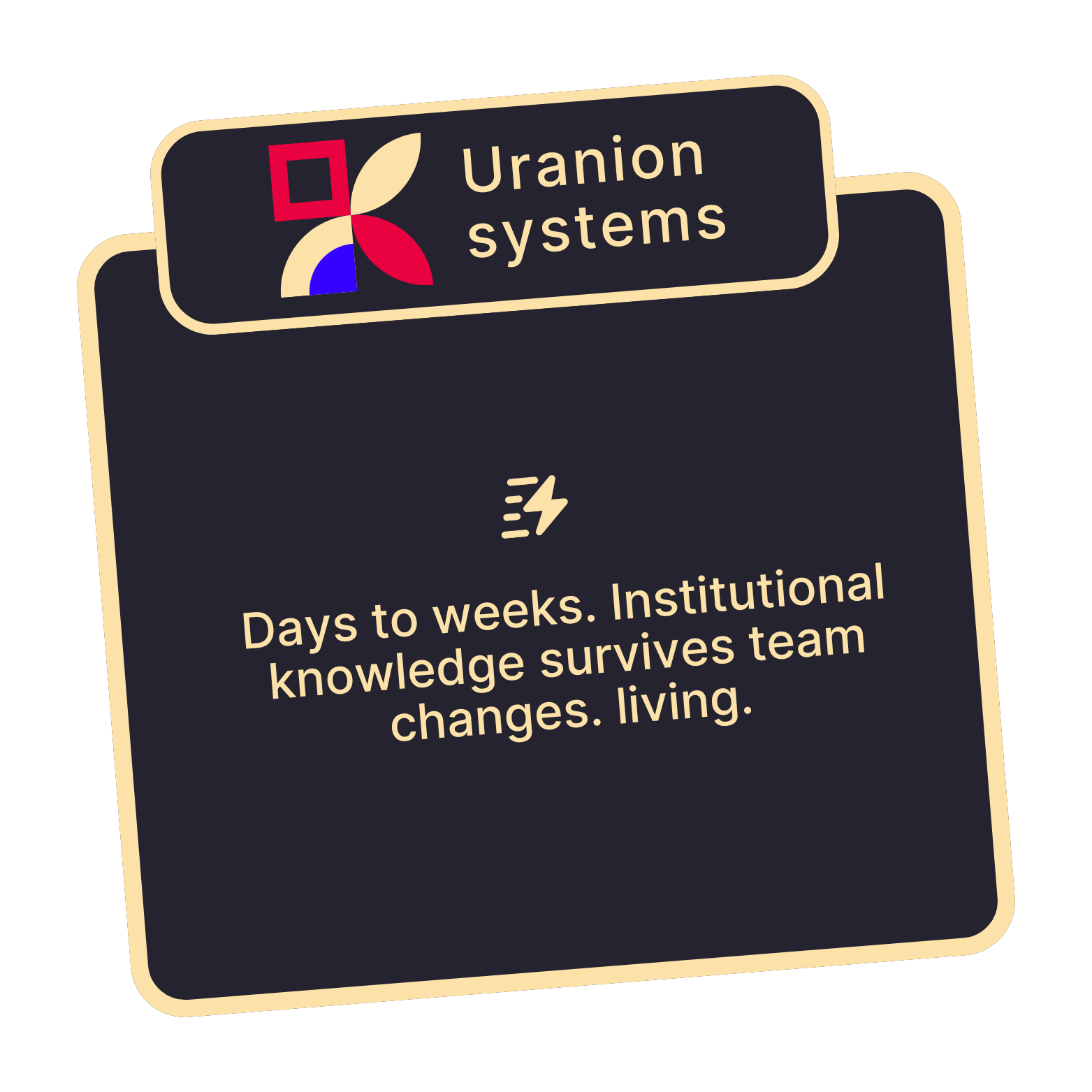
The platform doesn't just execute workflows, it documents and explains them. When a developer leaves, their knowledge stays in the system. New team members ask the AI 'Why was this built this way?' and get comprehensive answers with full context.

Vs

AI Chat Animation

How can I help you today?

Type a command or ask a question

zap
Thinking

Case Studies

Can you really eliminate rebuild penalties? These companies did.

View Case Studies

Pricing

From enterprise timelines to startup speed

Deliver enterprise applications at startup speed while maintaining quality, security, and institutional knowledge

Traditional Enterprise Development

Expensive and slow development

Annual Cost

$800K

Timeline

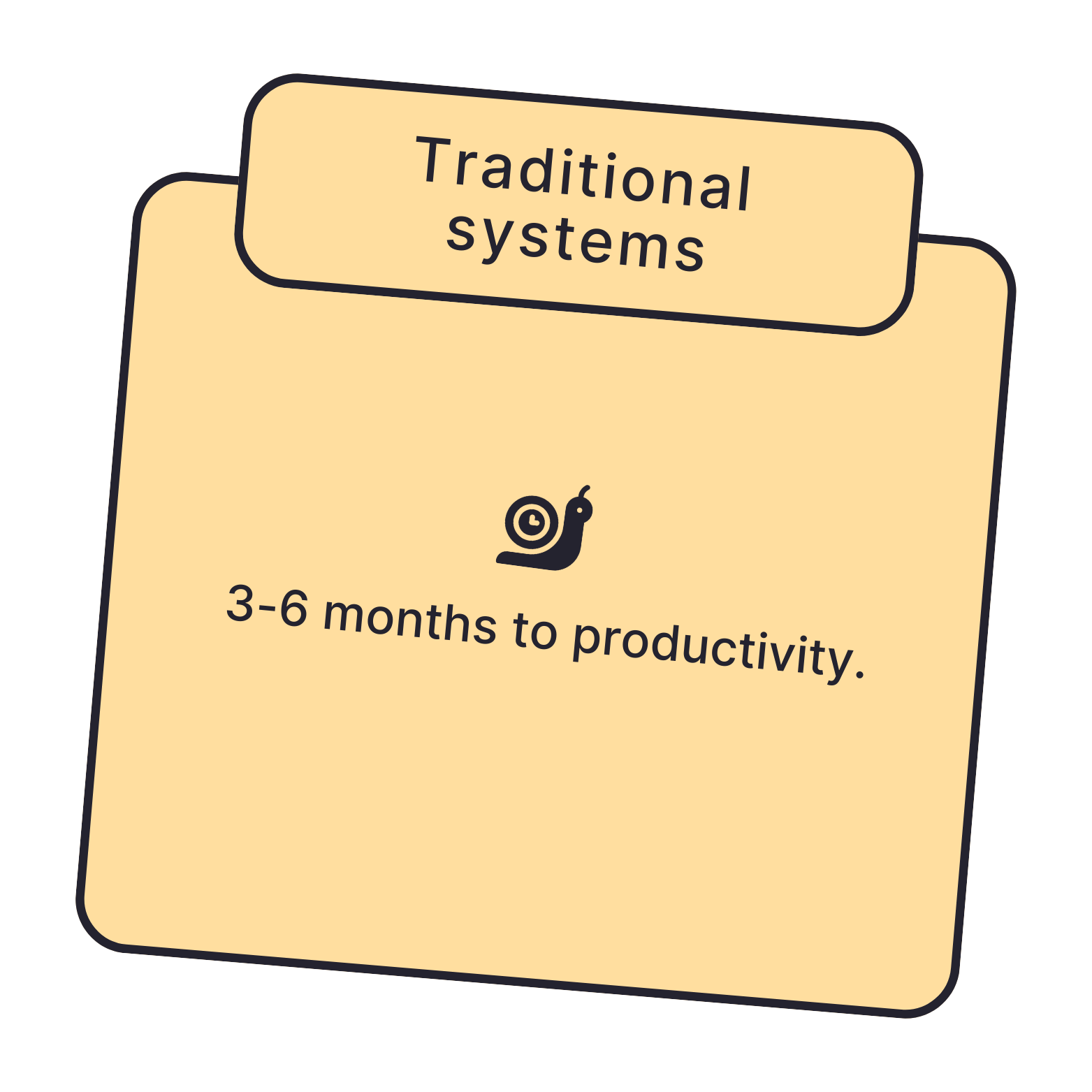
23 weeks average

Coordination

30-50% time in meetings

Knowledge

Fragmented across specialists
Basic reporting tools
No enterprise features

Uranion-Accelerated Development

Enterprise AI development accelerated

Annual Cost

$200K (salary + platform)

Timeline

2-3 weeks average

Coordination

Near-zero overhead

Knowledge

Unified, preserved in system
60-85% cost reduction
8-12x faster to production
80% faster iteration cycles
Near-zero knowledge transfer time

WHAT YOU CAN BUILD

Proven uses of data-Intensive, AI-Powered applications across industries

Our Expertise

What You Can't Get From Zapier, Appian, or ServiceNow

Understand the architectural differences that enable what competitors can't deliver

vs. Integration Tools (Zapier, N8N, Make)

Learn More

vs. UI-First Low-Code (Bubble, Appian, Mendix)

Learn More

vs. Enterprise Platforms (ServiceNow, Salesforce)

Learn More

cONTACT Us

Ready to build applications that remember everything?

Whether you're building on Uranion yourself or want our team to implement solutions for you, we'll show you exactly how the platform solves your specific challenges.

Schedule a Consultation

© 2026 Uranion. All rights reserved.

What They Deliver:
UI builders optimized for interface construction. Data integration added as afterthought—feels like plugins, not architecture. AI capabilities retrofitted onto platforms designed before transformer era. Complex data transformations require workarounds or custom code. Enterprise requirements (granular permissions, SSO, multi-tenancy) are additional modules, not foundation.

What Uranion Delivers:

✓ Integration-first foundation — data pipelines are architectural core, not add-ons
✓ AI-native from inception — embedding, RAG, semantic search built-in with cost optimization
✓ Enterprise features included — SSO, RBAC, audit logs, multi-tenancy from day one
✓ Stateful data layer — complete transformation history enables debugging impossible in UI-first tools
What They Deliver:
Powerful but complex platforms requiring 6-12 month implementations with specialized consultants. Expensive licensing with unpredictable cost scaling. AI capabilities added recently feel like bolt-ons, not native architecture. Customization requires platform-specific expertise. Vendor lock-in through proprietary architectures and data models.

What Uranion Delivers:

✓ 2-3 week deployment — production-ready without consultant dependency
✓ Natural language configuration — not proprietary scripting languages requiring specialized training
✓ Modern AI-native architecture — not AI retrofitted onto legacy platforms
✓ Transparent pricing — predictable costs, not enterprise licensing negotiation
What They Deliver:
Workflow automation with stateless architecture. Data flows through transformations and disappears—no audit trail, no preserved intermediate states, no time-travel debugging. When workflows break, you have output errors but no visibility into which transformation failed or why. Building anything beyond simple automations requires external databases and custom code.

What Uranion Delivers:
✓ State preservation at every node — complete audit trail without manual logging
✓ Time-travel debugging — inspect data at any transformation point, at any time
✓ Incremental reprocessing — 85-95% cost reduction when business logic changes
✓ Application platform, not just automation — build full apps with dashboards querying workflow state
Workflow A – Customer Analytics

What this workflow does
✓ This workflow takes raw customer data and turns it into clear insights about how valuable each customer is over time.
✓ It starts by pulling in customer records, checks that email addresses are valid, cleans up duplicates so each person has one profile, then calculates customer lifetime value and sends the results to dashboards.

Why the shared steps matter
✓ Most steps here (data ingestion, validation, deduplication, and scoring) are the same building blocks used in other workflows like Inventory, Finance, and Marketing.
✓ Only the final “Export to dashboards” step is unique, which means improvements to core logic instantly benefit several teams, not just Analytics.
Workflow B – Inventory Management

What this workflow does
✓ This workflow helps keep the right products in stock by tracking items, checking codes, and deciding when to reorder.
✓ It pulls in product and stock data, checks that product IDs are correct, uses a shared calculation engine to decide when stock is low, then sends alerts to suppliers and creates purchase orders when needed.

Why the shared steps matter
✓ The way data is ingested, validated, and scored is shared with Customer Analytics and Finance, so everyone works from the same “source of truth.”
✓ Only the supplier alerts and purchase order steps are inventory‑specific, which keeps the system flexible but consistent across teams.
Workflow c – Financial

What this workflow does
✓ This workflow turns raw transaction logs into reliable financial results and reports.
✓ It brings in transaction data, checks that amounts look correct, matches each transaction to the right account, calculates profit, then adds tax, regulatory reports, and executive dashboards on top.

Why the shared steps matter
✓ The first four steps (data ingestion, validation, matching, and profit logic) are shared with Customer Analytics and Inventory, so numbers line up across the business.
✓ Only the tax, regulatory, and executive‑reporting steps are special to Finance, which makes updates easier and reduces the risk of inconsistencies.
Workflow d – Marketing

What this workflow does
✓ This workflow helps Marketing target the right people with the right messages across email, social, and ads.
✓ It starts by checking contact data and consent, merges records so each person has a single profile, scores leads to see who is most likely to convert, then runs email campaigns, social media activity, and retargeting.

Why the shared steps matter
✓ Validation, merging, and scoring reuse the same logic as Customer Analytics, Inventory, and Finance, so Marketing is working with the same clean, scored profiles as everyone else.
✓ Campaign execution steps (email, social, retargeting) are Marketing‑only, but they sit on top of shared data and scoring, which is what makes the whole system feel coordinated instead of siloed.